*
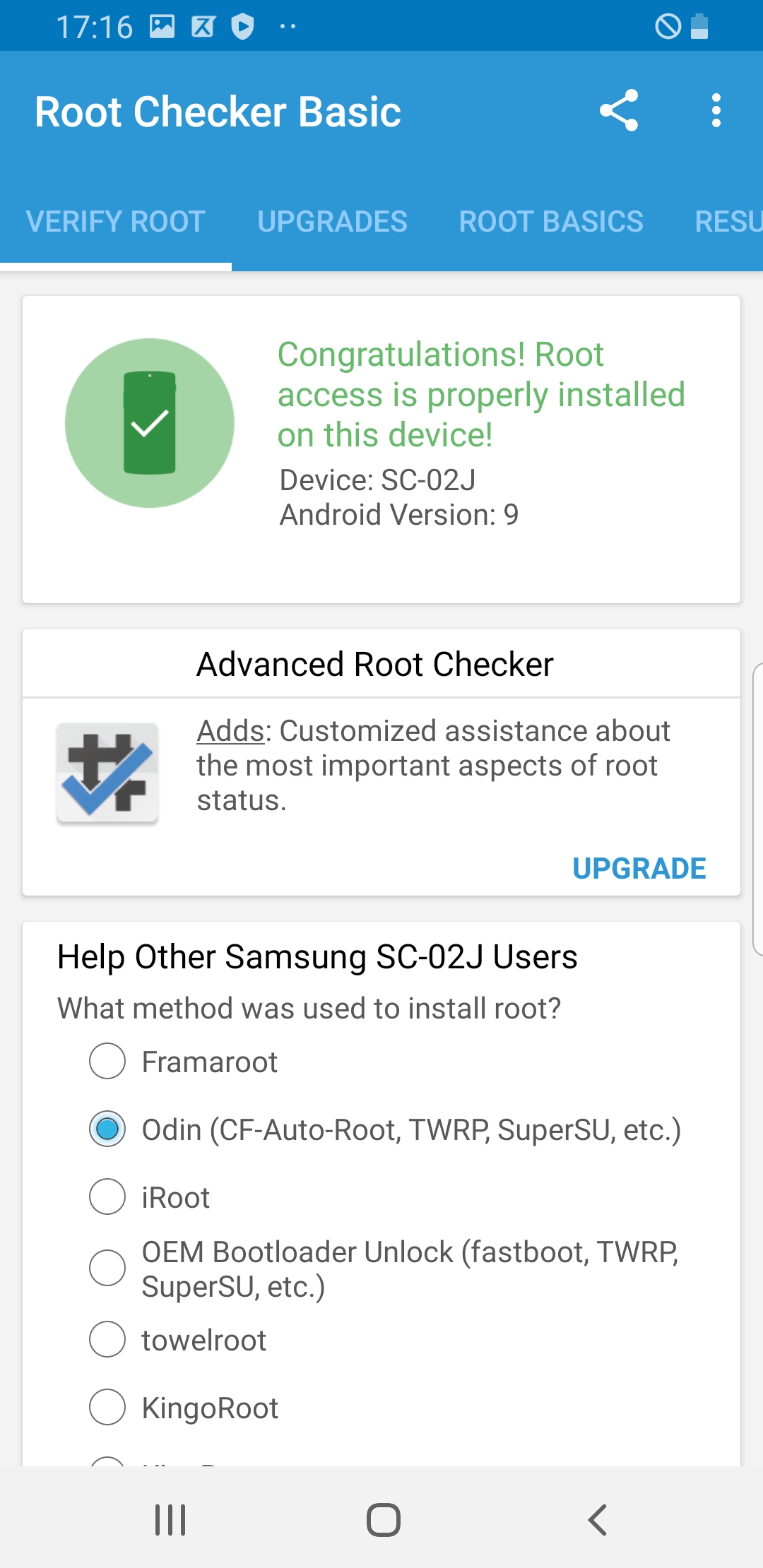
Galaxy S8 (SC-02J or SM-G950D)obtained root privilege
It takes time but there is only one success. Android9 and 8 failed with boot loop...
FINALLY SUCCESS WITH Android9 on 2023/10/19!
Take a minute to backup your data before proceeding.
- get a good root 2nd time and after. (this would be a routine).See below for the first time.
- Routine Use: You will interchangablly use two boot images;
- one for root,
- G9500.img: install by "install image" on TWRP as boot.
- Magisk.zip (v20.3): install by "install zip" on TWRP.
- one for de-root or one-seg.
- boot_cud4_noverify_bless.img
These files are located in /00root/01root/ and /00root/02de-root/.
- These two boot.img are quite compatible. You use the 2nd kernel in general. Once you need root permission then
- power off,
- go back to recovery mode by vol-up, bixy and power button, # or $ adb reboot recovery
- TWRP: install->install img -> choose a boot.img
- choose boot partition (among boot, recovery, system partitions)
- and boot up the system.
- Root 1st time:
- 9500.img with magisk-v20.4 patch; this gives you a good root.
- modify /system/vendor/etc/fstab.qcom; replace "forceencrypt=footer" with "encryptable=footer".
this is done from you pc.
- mount /system from TWRP on your phone.
- $ adb shell from you pc.
- # vi /system/vendor/etc/fstab.qcom
- cud4 official boot.img (One-seg, one-seg, bixy and etc are enabled.)
- modified by bless hex editor; replace ",verify" with " ".
Simply use "boot_cud4_no_verify.img.
Fact
- Root Success2:
This one took time!
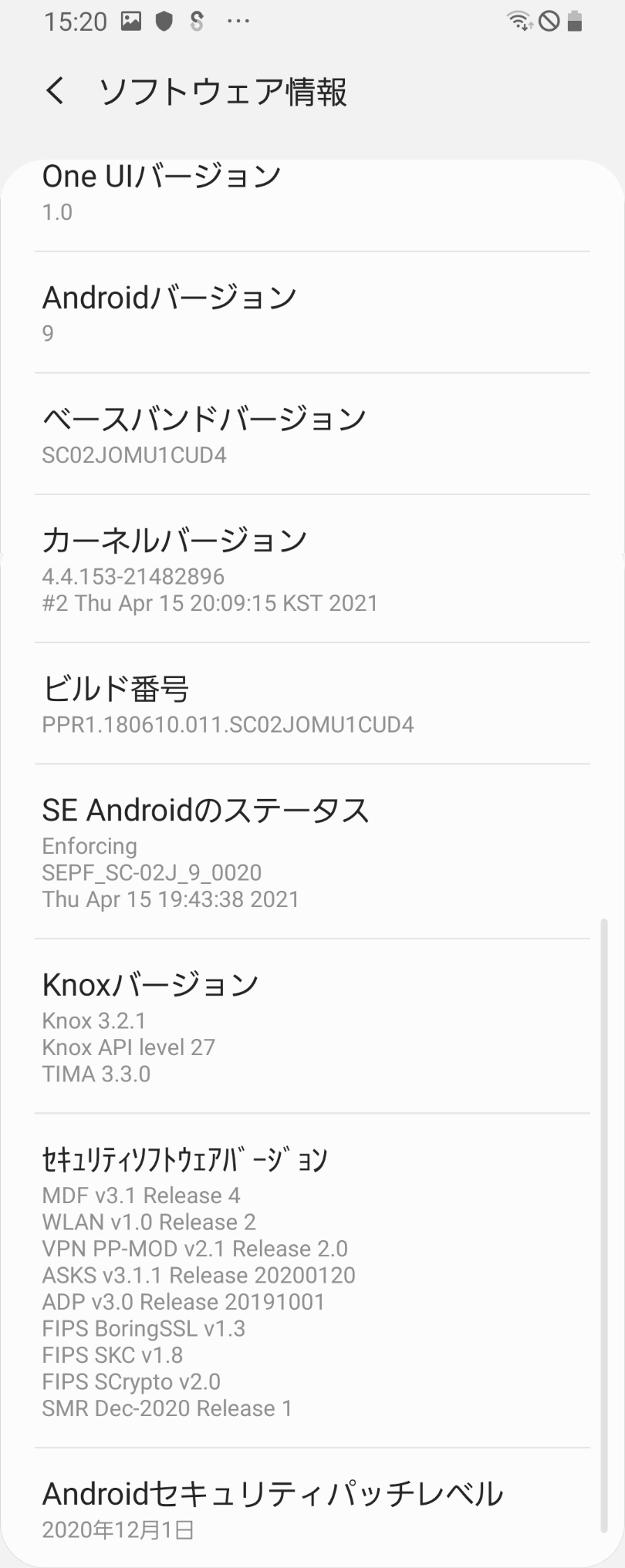
- Andorid9(CUD4),
- TWRP3.6.2_9-0,
- 9500.img
- magisk-v20.4
Problem: No One-Seg(TV).
- Root Success1:
It was not hard.
- Andorid7(AQL1),
- TWRP3.6.2_9-0,
- no-verity-opt-encrypt-6.0,
- magisk-v16.4
Reference:
- XDA: SC-02J, Android8(Oreo), magisk-v16.0
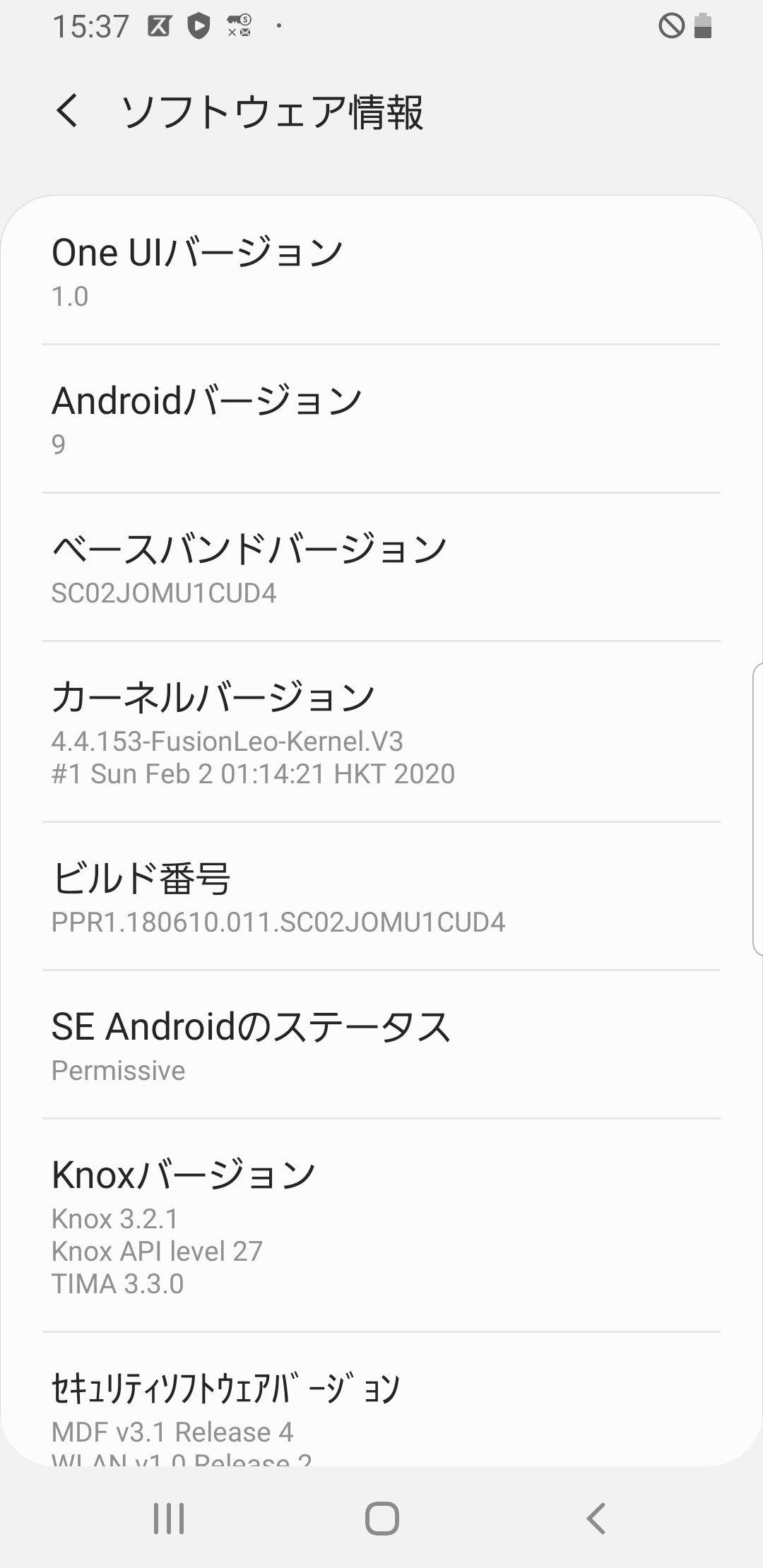
- you can download LeoFusionKernel from here, including 9500.img and magisk-v20.4, which enable you to get root.
- This gives you a hint of veryfy option to /system, which you need to somehow remove it.
- Also this gives you a tips of forceencrypt to /data, which you need to somehow remove it. (These two things are done by no-verity-opt-encrypt.zip.)
Android9:
- Official Firmware CUD4 boots up.
- It also boots up after TWRP installation.
- It won't any more after "Modification on" at the begininng of TWRP.
- It will again after you install the same version above (for Android7).
- Andorid9(CUD4),
- TWRP3.6.2_9-0,
- no-verity-opt-encrypt-6.0,
- magisk-v16.4
The Cause of Boot-Loop: fstab.qcom.
- extract boot.img of CUD4.
- open the boot.img with bless (hex editor) in linux
- search and replace ",verify" with " " (7 spaces). (3 replacements)
- save the modified boot.img as boot-noverity.img
- intall the new boot.img via twrp.
Reference:
Tips before you start:
- Use USB2.0 port if oddin complaints Auth Failure during TWRP injection.
- Remember Root process is:
- Galaxy s8 variant dependent.
- Firmware dependent.
You should know the variant of galaxy s8. (Galaxy S8 is not enough.)
You should know your firmware. (Android version is not enough.)
My Galaxy S8:
- Docomo Model: SC-02J or SM-G950D, Japan.
Similar model: SCV36 SM-G950J, au model, Japan.
- CPU: Qualcomm SnapDragon835. (there is another model with Exynos.)
- Android-9: Firmware: SC02JOMU1CUD4 (rooting is firmware dependent.)
-
Related Info:
- Android Version: (Root is android version dependent.)
- Android 9: Pie
- Android 8: Oreo
- Android 7: Nougut
- Galaxy S8 Variant (Root is s8 variant dependent.)
- SM-G950F: global model
- SM-G950D: docomo model, japan. SC-02J.
- SM-G950J: au model, japan. SCV36.
- SM-G950U: usa model
- Firmware for SC-02J: https://samfw.com/firmware/SC-02J
- SC02JOMU1-CUD4 9.0 20210502 Failed. Boot-Loop.
- SC02JOMU1-CSL1 9.0 20191205
- SC02JOMU1-CSJ2 9.0 20191016
- SC02JOMU1-CSH1 9.0 20190813
- SC02JOMU1-CSF4 9.0 20190621
- SC02JOMU1-CSD2 9.0 20190404
- SC02JOMU1-BSA1 8.0 20190131
- SC02JOMU1-BRK1 8.0 20181108
- SC02JOMU1-BRJ1 8.0 20181030
- SC02JOMU1-BRH1 8.0 20190806
- SC02JOMU1-BRF3 8.0 20180627 No Link available.
- SC02JOMU1-BRC7 8.0 20180402
- SC02JOMU1-AQL1 7.0 20171205 Success! twrp-3.6.2_9-0-dreamqlte.img.tar +
no-verity-opt-encrypt-6.0.zip + Magisk-v16.4.zip
Note: you should use "HOME_CSC" (There are two CSC files) when you write the firmware.
- SC02JOMU1-AQJ2 7.0 20171023
- SC02JOMU1-AQH2 7.0 20170831
- SC02JOMU1-AQH2 7.0 20170809
- SC02JOMU1-AQF2 7.0 20170620
- SC02JOMU1-AQEI 7.0 20170601
- SC02JOMU1-AQDI 7.0 20170428
Reference:
- SM-G950F: global model
- SM-G950D: docomo model, japan. SC-02J.
- SM-G950J: au model, japan. SCV36.
- SM-G950U: usa model
- Youtube: How To Root Samsung S8 G950F All Models Android 9.0 Pie || Tested On Samsung S8 U15 TWRP Root
- S8+, sc03jomu1AQH2, android 7 in JP
- Root with magisk without twrp.
- Root with magisk without twrp (in JP).
- root galaxy note9 with magisk without twrp (in JP).
- Root with magisk without twrp (in JP).
The location of shuuter sound file: /system/media/auido/ui/Shutter.ogg
Since 20191025