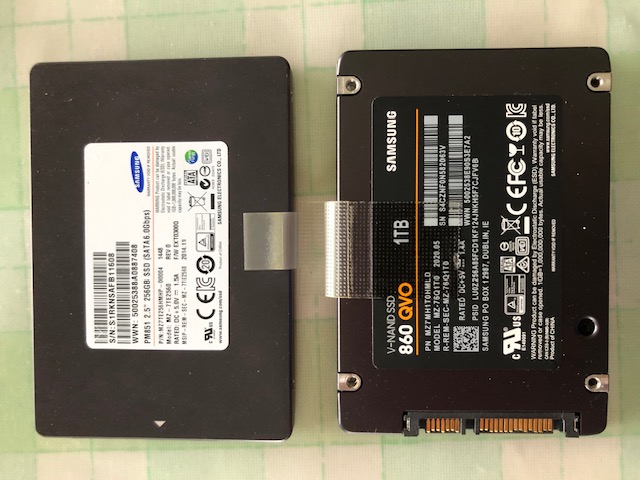
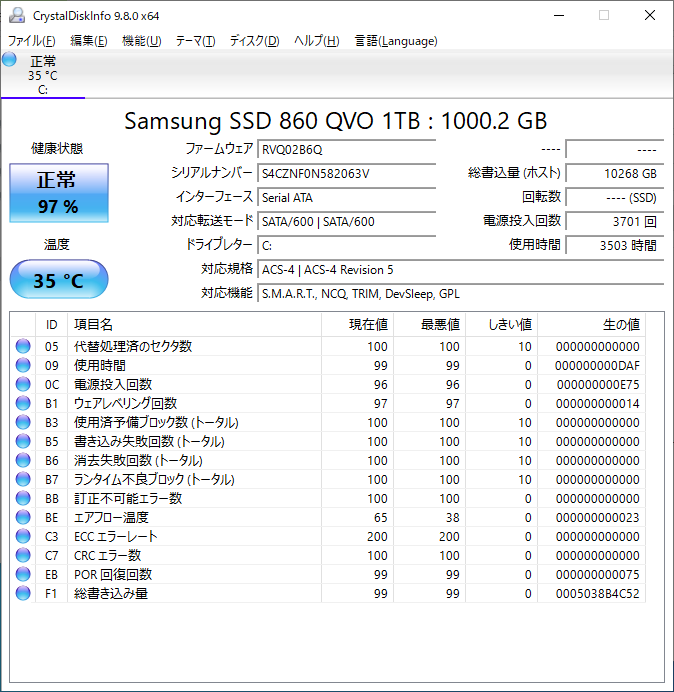
disk exchanges: LX3 256gb to 1000gb
Before: /dev/sda
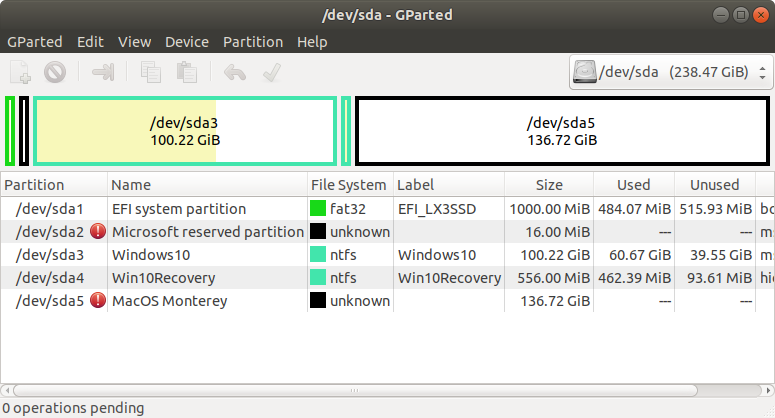
|
After: /dev/sdc
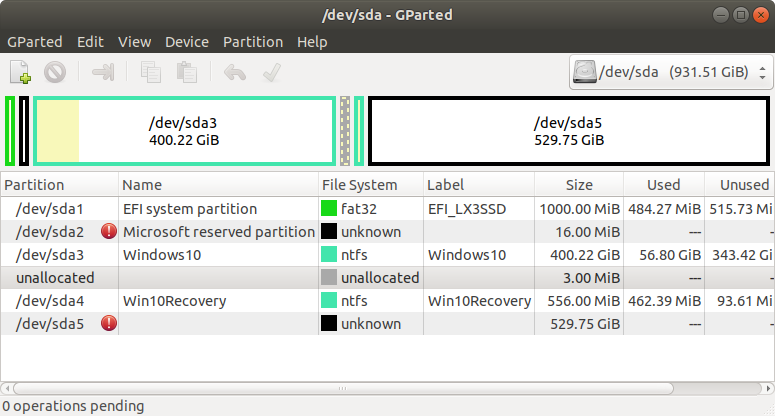 |
To Do:
- Ubuntu
- sudo parted -l
Partition Table: gpt
- dd if=/dev/sda of=/dev/sdc bs=256M status=progress # whole disk copy
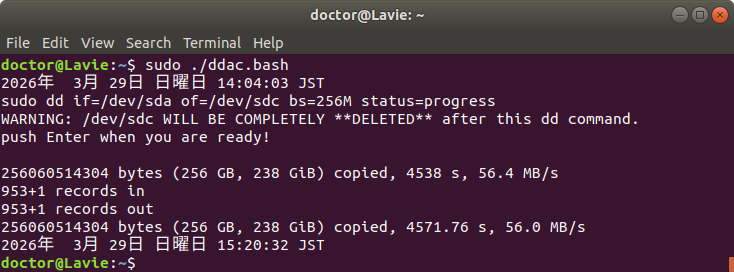
- remove the old disk and insert the new disk.
- check the boots both windows and macos.
- NTFS expansion on Windows
- minipartition wizard in windows.
- delete the macOS parttion.
- move the windows recoverty partition by 300gb.
- extend the windows partition by 300gb.
- APFS expansion on Ubuntu
- gparted: new partition /dev/sda5 as ext4
- gdisk /dev/sda
(gdisk) set 5 type 7C3457EF-0000-11AA-AA11-00306543ECAC # APFS type for sda5
(gdisk) print # check the code as FFFF (/dev/sdc5 is also set FFFF)
- dd if=/dev/sdc5 of=/dev/sda5 bs=256M status=progress # apfs copy
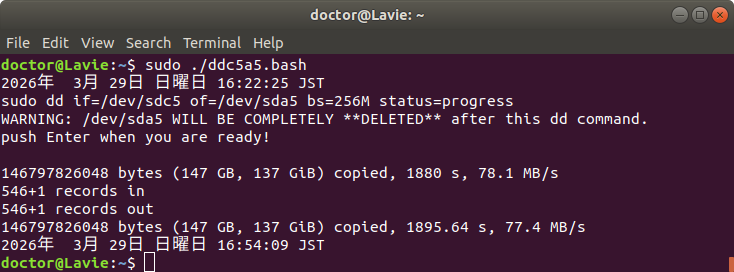
- boot macOS. It is bootable but partition size has been now
expanded but its container size is stil small.
- APFS container expansion on macOS
- boot from recovery disk.
See below, if it is a hackintosh and you need to modify EFI of the
recovery disk.
Find the identifier of your EFI with "diskutil list" and mount it
with "sudo diskutil mount disk0s1". After mounting,it will show up
in finder as a new drive. (see
this )
- utilities -> terminal # disk utility is not that reliable.
- $ diskutil apfs resizeContainer disk0s5 0 # The 0 argument tells
the system to use all available free space. Command line $diskutil
is more reliable.
- boot macOS. now the container is expanded!
That is it!
Go back to Top: Doctor's Web Page
Since 20260329